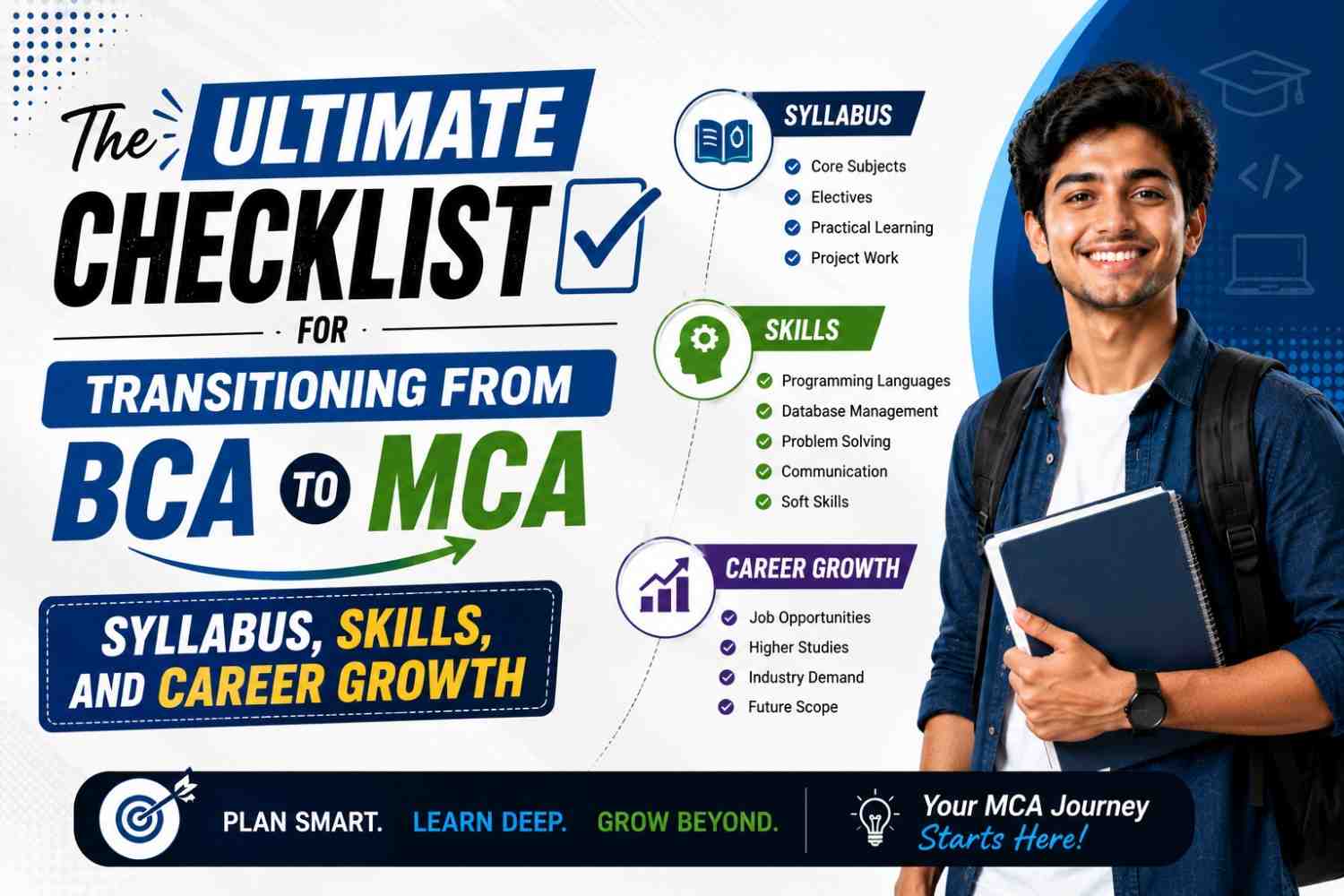
The Ultimate Checklist for Transitioning from BCA to MCA: The technology industry continues to change at a rapid pace, providing exciting opportunities for students looking to build lucrative careers in software development and cybersecurity, data science, cloud computing, and artificial intelligence. For many students interested in pursuing an undergraduate degree, a Bachelor of Computer Applications (BCA) is the initial step into the world of technology. However, to acquire more knowledge of technology and enhance job prospects, many students decide to take on a Master of Computer Applications (MCA).
The change from BCA to MCA isn’t just about earning a new degree. It’s about advancing your knowledge, developing technical capabilities and preparing you to take on higher-level positions in the IT sector. While BCA gives you the foundational knowledge, MCA dives deeper into advanced computing subjects and industry-specific technology.
If you’re planning to transition from BCA to MCA, this comprehensive checklist will guide you through the syllabus, essential knowledge, skills, preparation strategies and the career possibilities that lie ahead.
Why Choose MCA After BCA?
Before examining the checklist, it’s crucial to know the reasons MCA is still one of the most sought-after options among BCA graduates.
An MCA program assists students in:
- Learn advanced technical skills
- Learn about the latest programming frameworks and technology
- Enhance problem-solving skills
- Learn about engineering and software development roles.
- Find better opportunities for a salary
- Be eligible for technical jobs
- Establish a solid base for future certifications and advanced studies
In today’s job market, which is competitive, employers are often looking for people with both conceptual understanding and practical experience. MCA assists in bridging that gap with ease.
Checklist 1: Understand the MCA Syllabus
One of the most common mistakes students make is beginning MCA without knowing what they’ll study. A clear understanding of the curriculum can help lessen stress and enhance preparation.
While the curriculum may differ in different universities, the majority of MCA programs focus on the following areas:
Programming and Software Development
Students study advanced programming concepts as well as techniques for software development.
Common subjects are:
- Object-Oriented Programming
- Advanced Java
- Python Programming
- C++ Programming
- Software Engineering
- Web Technologies
The courses help students create powerful and scalable software programs.
Data Structures and Algorithms
This is among the most important topics in MCA.
They typically cover:
- Arrays
- Linked Lists
- Stacks and Queues
- Trees
- Graphs
- Sorting Algorithms
- Searching Algorithms
- Dynamic Programming
The ability to think in a strong algorithmic manner is vital for technical interviews as well as jobs in software development.
Database Management Systems
Every application today is reliant on data.
The most important concepts are:
- SQL
- Database Design
- Relational Databases
- Normalization
- Transaction Management
- Database Security
Students are often working with databases that are popular in the workplace.
Operating Systems
Understanding how computers handle resources is vital.
The topics could include:
- Process Management
- Memory Management
- File Systems
- Scheduling Algorithms
- Concurrency
This knowledge is especially useful for development at the system level and cloud technologies.
Computer Networks
Networking is the foundation of modern digital communications.
Students are taught:
- TCP/IP
- Routing
- Switching
- Network Security
- Wireless Communication
- Internet Protocols
The concepts of networking are beneficial in cloud computing, cybersecurity, and infrastructure administration.
Artificial Intelligence and Machine Learning
Many MCA programs today incorporate new technologies.
They often include:
- Machine Learning Basics
- Neural Networks
- Data Analytics
- Artificial Intelligence Concepts
- Predictive Modeling
These abilities are increasingly valued in today’s careers in technology.
Cloud Computing
Global organisations are shifting to cloud-based solutions.
Students can take classes:
- Cloud Architecture
- Virtualization
- Cloud Security
- Deployment Models
- Cloud Services
Cloud-related expertise is sought-after by employers in all sectors.
Checklist 2: Strengthen Core Programming Skills
Moving to MCA is much simpler if your programming foundations are solid.
Make sure you master at the very least one programming language prior to beginning your MCA.
Languages that are recommended include:
- Java
- Python
- C++
- JavaScript
There are many other options, but Python, along with Java are the most effective because they are frequently used in projects for industry and educational coursework.
Practice Regularly
Programming is a skill that can be applied in real-life situations.
Try to solve:
- Problems with building logic
- Coding challenges
- Small-scale software projects
- Data structure exercises
Practice regularly builds confidence and helps prepare you for interviews with technical experts later on.
Checklist 3: Improve Mathematical and Logical Thinking
Many students think that MCA is just about coding. However, maths and logic are essential to the success of MCA.
The most important areas are:
- Discrete Mathematics
- Probability
- Statistics
- Logic
- Quantitative Reasoning
These concepts aid learning in fields that include:
- Data Science
- Machine Learning
- Algorithms
- Artificial Intelligence
The ability to think analytically early could aid in making advanced MCA subjects simpler to grasp.
Checklist 4: Learn Basic Web Development
Even if your MCA area of expertise is different, Web development expertise can be extremely beneficial.
Begin with:
Front-End Basics
Learn:
- HTML
- CSS
- JavaScript
These technologies are the basis of the modern web and applications.
Back-End Concepts
Understand:
- Server-side development
- APIs
- Databases
- Authentication systems
An understanding of basic web-based technologies can help students develop projects and increase their chances of obtaining employment.
Checklist 5: Build Real Projects
A college degree alone is usually not enough in the current job market.
Employers prefer candidates who show their practical knowledge.
A few ideas for beginners are:
- Student Management System
- Library Management System
- Expense Tracker
- Online Quiz Platform
- Portfolio Website
- Attendance Management System
Projects can help you:
- Apply theories
- Improve coding skills
- Learn debugging
- Make a professional portfolio
A solid portfolio can dramatically increase the chances of a job or internship.
Checklist 6: Become Familiar with Version Control
Controlling version is a crucial ability in the workplace.
Learn the fundamentals of:
- Git
- Repository Management
- Branching
- Merging
- Collaboration Workflows
Software teams utilize versions control systems every day to control code and collaborate effectively.
Students who know these tools are often able to adapt more quickly in their internships and professional projects.
Checklist 7: Develop Problem-Solving Skills
The technical knowledge alone isn’t enough.
Companies are looking for applicants who can tackle real-world issues efficiently.
Methods to enhance problem-solving include:
- Code challenges solved
- Participation in hackathons
- Working on projects
- Practice answering algorithm-based questions
The ability to solve problems effectively is a characteristic that distinguishes successful professionals who are successful from those who aren’t.
Checklist 8: Improve Communication Skills
A lot of students concentrate on technical topics and neglect their communication abilities.
However, the modern roles of technology will require:
- Collaboration between teams
- Writing documents
- Interaction with the client
- Presentations of projects
Good communication helps professionals:
- Define technical terms clearly
- Teamwork is essential to work effectively
- Perform better during interviews
- As you progress to leadership roles
It is a good idea to develop both written and verbal communication. written communication.
Checklist 9: Explore Emerging Technologies
The technology industry is changing rapidly.
When you are pursuing MCA, keep up-to-date with the latest trends, including:
- Artificial Intelligence
- Machine Learning
- Data Science
- Cloud Computing
- Cybersecurity
- Internet of Things (IoT)
- Blockchain
- DevOps
It is not necessary to be able to master everything in a matter of minutes.
Instead, look for the areas you are truly interested in and then gradually increase your knowledge.
Checklist 10: Prepare for Internships Early
Internships provide valuable industry exposure.
Benefits include:
- Practical knowledge
- Professional networking
- Knowledge of the industry
- Resume enhancement
Start looking for internships in the early stages instead of waiting until the last semester.
Even short-term work experience can greatly increase your knowledge of practical software engineering environments.
Checklist 11: Build a Professional Resume
Your resume can be the first impression that recruiters get of you.
Include:
- Education background
- Technical abilities
- Projects
- Certifications
- Internships
- Achievements
Maintain a clean and tidy format that is professional and easy to understand.
A well-organised resume can increase your chances of being shortlisted for interviews.
Checklist 12: Earn Relevant Certifications
The certifications you receive can boost your image and show initiative.
Common areas of certification include:
- Cloud Computing
- Data Analytics
- Python Programming
- Cybersecurity
- Artificial Intelligence
- Web Development
While certifications are not meant to replace your practical knowledge, they can help you build your academic credentials and boost your credibility.
Checklist 13: Understand Career Opportunities After MCA
One of the greatest benefits of MCA is the variety of career opportunities offered.
Common career options are:
Software Developer
Software developers design, develop and maintain software applications that are used by both consumers and businesses.
Full Stack Developer
They focus on front-end as well as back-end development.
Data Analyst
Data analysts assist organisations in making well-informed decisions based on data and insights.
Cloud Engineer
Cloud engineers oversee cloud-based infrastructures, their deployment and cloud services.
Cybersecurity Analyst
They protect networks and systems from threats to security.
Database Administrator
They manage the databases of organisations and ensure the availability of data.
AI and Machine Learning Engineer
They create intelligent systems that are capable of making predictions and learning.
Systems Analyst
Systems analysts assess business requirements and recommend solutions for technology.
The wide range of options offers a wide range of opportunities. MCA an ideal qualification for careers in technology.
Checklist 14: Focus on Continuous Learning
Technology is never static.
The most successful professionals keep learning throughout their careers.
Develop habits like:
- Blogs on technology reading
- Monitoring the latest trends in the industry
- Finding new tools
- Taking online courses
- Learning new programming languages
Continuous learning is the best way to ensure long-term career development and flexibility.
Common Challenges During the BCA to MCA Transition
Many students have difficulties in the transition.
Some common difficulties include:
Increased Academic Depth
MCA subjects tend to be better than BCA subjects.
Time Management
Balance between projects, coursework, and internships, with the development of skills, requires proper planning.
Adapting to New Technologies
Students might come across technology and tools they’ve never used before.
Competitive Environment
A lot of classmates have impressive technical backgrounds.
The answer is consistency. Simple daily adjustments can result in significant improvements over the course of time.
Final Thoughts
The transition between BCA transitioning from BCA to MCA is an exciting move towards building a successful and fulfilling career in the tech industry. MCA will not only enhance your technical knowledge, but provides you with access to more advanced career opportunities, specialised areas, as well as long-term growth in your career.
The main to success is making preparations for the future in advance. Learn the syllabus, improve the fundamentals of programming, design practical projects, enhance communication skills, and remain current with new technology. Instead of focusing solely on the academic score, try to create a balanced mix of technical knowledge, academic skills and hands-on experience.
With this list, you will be able to successfully navigate the transition through BCA up to MCA and set yourself up to succeed in an ever-changing digital environment. The time you put into it today will form the foundation of your future career success.